ip
Clanker User Guide
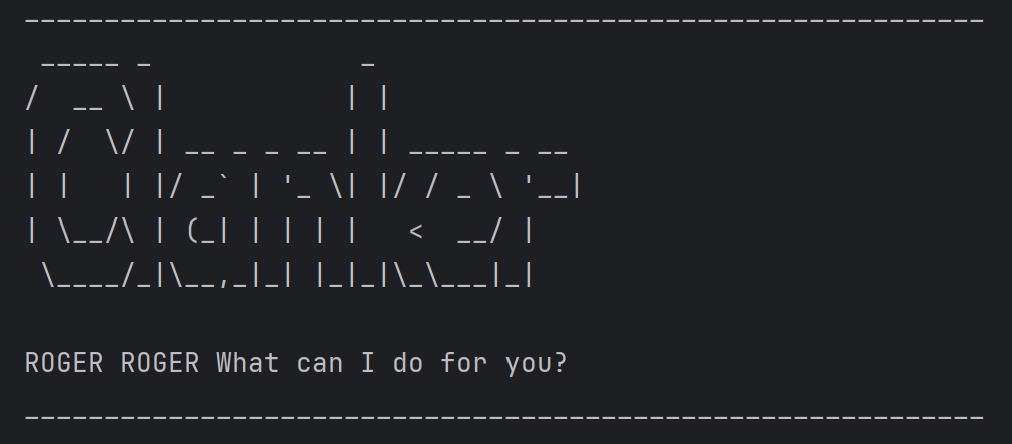
Clanker: Your Loyal Task-Handling Droid 🤖✨
“Roger, Roger!” Your personal battle droid assistant has arrived!
Clanker is a command-line task manager built to keep your missions on track—whether you’re planning an invasion, dodging Jedi, or just managing deadlines.
🚀 Features
🔹 Add Tasks Like a Tactical Commander
Track To-Do Lists, schedule Deadlines and log critical Events with ease.
🔹 Modify Orders on the Fly
Mark, unmark, and delete tasks faster than a droid army deploying in battle.
🔹 Precision Search
Locate tasks by description, ensuring no mission detail goes unnoticed.
🔹 Save Your Directives
Store and load tasks via file, so even a memory wipe won’t erase your battle plans!
Stay organized. Stay efficient. Stay in control.
Deploy Clanker today! 🚀
Command Guide
📌 Adding a To-Do Task
Create a simple to-do task with a description.
Command: todo <description>
Example:
todo Eliminate all Jedi
Expected Output
ROGER ROGER Adding the following Todo: [T][ ] Eliminate All Jedi
Now you have 1 tasks in the list
⏳ Adding Deadlines
Create a simple deadline with a description by a certain deadline.
Command: deadline <description> /by <deadline>
Example:
deadline Eliminate all Jedi /by 01/04/2025 2359
Expected Output
ROGER ROGER Adding the following Deadline: [D][ ] Eliminiate all Jedi  (by: 1/4/2025 2359)
Now you have 2 tasks in the list
📅 Adding Events
Create a simple event with a description from a certain time to another
Command: event <description> /from <start> /to <end>
Example:
event Eliminate all Jedi Younglings /from 01/04/2025 2359 /to 02/04/2025 2359
Expected Output
ROGER ROGER Adding the following Event: [E][ ] Eliminate all Jedi  (from: 1/4/2025 2359 to: 2/4/2025 2359)
Now you have 3 tasks in the list
📜 List all Tasks
List all Tasks
Command:
ls
Expected Output
ROGER ROGER Here are the tasks:
1. [T][ ] Eliminate all Jedi
2. [D][ ] Eliminate all Jedi  (by: 1/4/2025 2359)
3. [E][ ] Eliminate all Jedi Younglings  (from: 1/4/2025 2359 to: 2/4/2025 2359)
✏️ Marking Task as Done/Not Done
Mark or Unmark Task as Done/Not Done
Command: mark <task_number> |
unmark <task_number> |
Example:
mark 1
Expected Output
ROGER ROGER! This Task has been marked as done
[T][X] Elminate all Jedi
❌ Deleting a Task
Delete a Task
Command: mark <task_number> |
unmark <task_number> |
Example:
delete 1
Expected Output
ROGER ROGER! Deleting Task:
[T][X] Elminate all Jedi
Now you have 2 tasks in the list
🔍 Finding a Tasks
List of Tasks with matching description
Command: find <description>
Example:
find younglings
Expected Output
ROGER ROGER! Here are the matching tasks:
3. [E][ ] Eliminate all Jedi Younglings  (from: 1/4/2025 2359 to: 2/4/2025 2359)
🔴 Exiting Clanker
Exit Clanker
Command:
blast-em
Expected Output
ROGER ROGER! Hope to see you soon